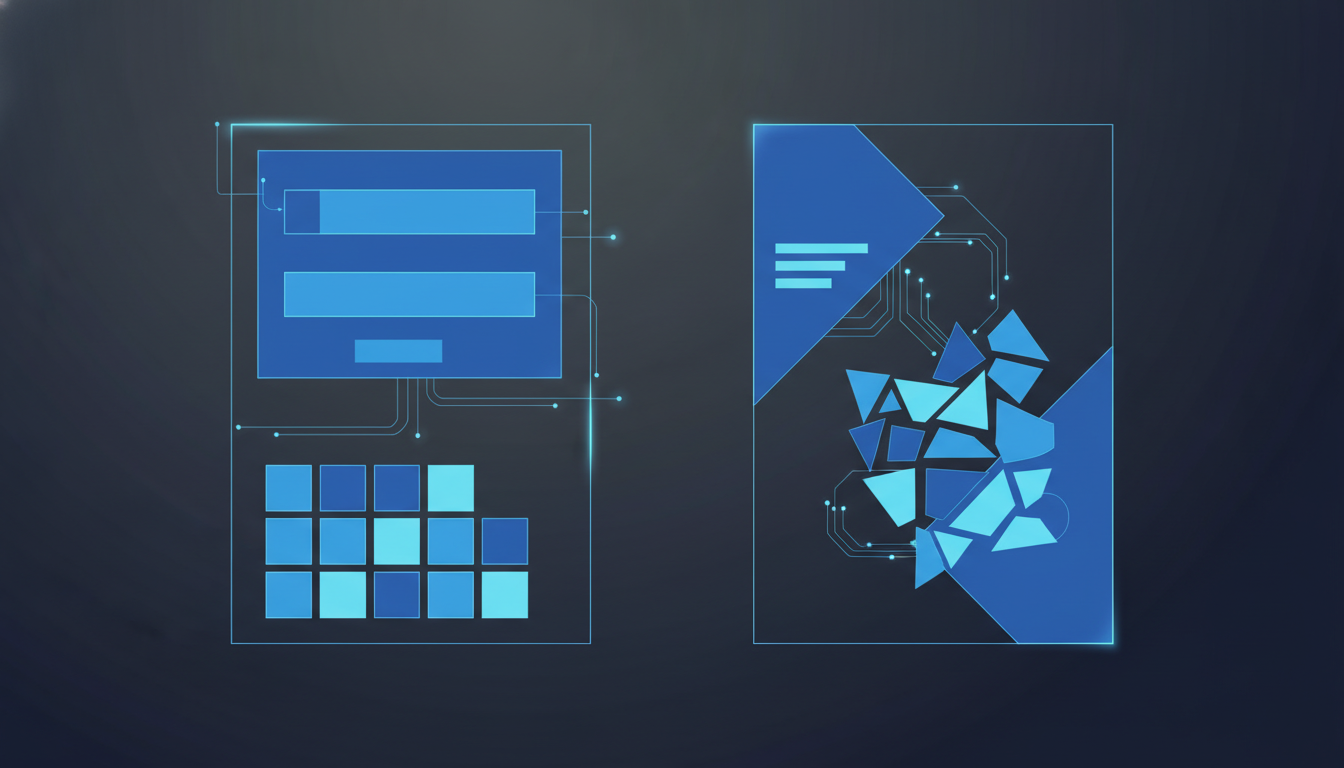
This guide covers everything you need to build Shopify landing pages for paid ads: why product pages fail for ads, anatomy of a converting page, Shopify page builder apps, message matching, mobile-first design, conversion tracking setup, testing and iteration, and common mistakes.
1. Why Product Pages Fail for Paid Traffic
Shopify product pages are built for browsing. They have a navigation bar, footer links, recommended products, collection links, and often a popup or two. All of those elements make sense for organic visitors who are exploring your store. But for paid traffic? Each one is an exit point.
When someone clicks your ad, they have a specific expectation based on what that ad promised. A product page gives them 15 different things to click on instead of focusing on the one thing you want them to do: buy.
The numbers back this up. Across the Shopify accounts we manage, dedicated landing pages convert paid traffic at 2-3x the rate of standard product pages. That's not a marginal improvement. For a store spending $10K/month on ads, that's the difference between $30K in revenue and $60K-90K.
This doesn't mean product pages are bad. They're just not designed for the job you're asking them to do when you send cold ad traffic to them.
2. Anatomy of a High-Converting Landing Page
A landing page for paid ads has a specific structure. Not because someone made it up, but because this is what consistently converts across thousands of ecommerce tests. Here's the layout, from top to bottom.
Above the Fold
This is what visitors see before scrolling. It needs to accomplish three things in about 5 seconds: confirm they're in the right place, show them what you're selling, and give them a way to buy. Read our detailed guide on above-the-fold design for the specifics.
- Headline: Matches the ad that brought them here. If the ad says "40% off organic skincare," the headline should echo that exact offer.
- Hero image or video: Product in use, not just a packshot on white. Lifestyle imagery converts 15-25% better for most product categories.
- CTA button: Visible without scrolling. "Add to Cart" or "Shop Now." Don't get creative with button text.
- Price and offer: If there's a discount, show the original price crossed out next to the sale price.
Below the Fold
- Social proof section: Reviews, star ratings, UGC photos. Place this directly below the fold so it's the first thing scrollers see.
- Benefits (not features): 3-5 benefit blocks with icons. "Clears acne in 2 weeks" beats "Contains salicylic acid."
- More product images: Show the product from different angles, with size references, in context.
- FAQ section: Address the top 3-5 objections. Shipping time, return policy, ingredients, sizing.
- Final CTA: Another add-to-cart button at the bottom. Visitors who scrolled this far are interested.
Notice what's missing: no navigation bar, no footer with links, no "you might also like" section, no email popup. Every element either moves the visitor toward buying or gets removed.

3. Shopify Landing Page Builder Apps
You don't need to code landing pages from scratch. Several Shopify apps let you build pages with drag-and-drop editors and connect them directly to your Shopify cart. Here are the ones we've seen work well.
Shogun
Probably the most popular Shopify page builder. Drag-and-drop editor, built-in A/B testing (on higher plans), and good page speed performance. Starts at $39/month. The A/B testing alone makes it worth considering if you're running paid ads, because you can test headlines and layouts directly.
GemPages
More affordable than Shogun ($29/month) and gives you a lot of template options to start from. Slightly more design flexibility but the A/B testing feature isn't as mature. Good for stores that want to build quickly and iterate.
Replo
Built specifically for performance marketers. Replo pages tend to load faster than Shogun or GemPages because they're built on a lighter framework. It also integrates well with analytics tools. The downside: steeper learning curve and higher starting price ($99/month). Probably worth it if you're spending $20K+/month on ads.
Zipify Pages
Created by Smart Marketer (Ezra Firestone's company). Strong focus on conversion and comes with proven templates based on their own ecommerce stores. Good option if you want to start with a template that's already been tested. $67/month.
Any of these will work. The tool matters less than what you put on the page. Pick one, build a page, and start testing. You can always switch later.
4. Message Matching: Ad to Page Alignment
Message matching is probably the single biggest factor in landing page conversion rates, and it's the one most advertisers get wrong. The concept is simple: whatever your ad promises, your landing page should echo immediately.
If your Google Ad headline says "Premium Organic Dog Food, 30% Off First Order," your landing page headline should not say "Welcome to Our Store." It should say something like "Premium Organic Dog Food, 30% Off Your First Order."
This sounds obvious. But we audit hundreds of ad accounts each year, and about 60% of them send all their ad traffic to the same homepage or collection page regardless of what the ad says. That's a huge conversion leak.
Here's a practical framework for message matching:
- Group your ads by offer or angle. A "free shipping" campaign, a "30% off" campaign, and a "new arrival" campaign each need their own landing page.
- Mirror the language. Use the same words from the ad in the landing page headline. Not synonyms, the actual words.
- Match the visual. If your ad features a specific product image, that same image should appear above the fold on the landing page.
- Keep the urgency level consistent. If the ad implies scarcity ("only 50 left"), the landing page should reinforce that.
5. Mobile-First Design for Paid Traffic
Over 70% of Shopify ad traffic comes from mobile devices. So if you're designing your landing page on a desktop monitor, you're building for the minority of your visitors.
Design mobile first, then adapt for desktop. Here's what matters for mobile landing page performance:
- Thumb-friendly CTA buttons: At least 48px tall, full-width on mobile. Place the primary CTA within the first scroll.
- Single-column layout: No side-by-side elements on mobile. Stack everything vertically.
- Compress images aggressively: Every 100KB matters on mobile. Use WebP format, keep hero images under 150KB.
- Minimize text: Mobile visitors scan, they don't read paragraphs. Use bullet points and bold key phrases.
- Sticky add-to-cart: A floating CTA button that stays visible as the visitor scrolls. Most landing page builders support this.
Test your page on an actual phone before launching. The Shopify preview isn't a perfect representation of the real mobile experience.
6. Conversion Tracking Setup
Your landing page is useless from an advertising standpoint if conversions aren't tracked correctly. And Shopify's default tracking setup has gaps when you're using custom landing pages built with third-party apps.
Here's what to verify before sending any paid traffic:
- Pixel fires on the landing page: Confirm your Meta Pixel and Google Ads tag fire on page load. Some page builder apps load their pages in an iframe, which can block pixel firing.
- Add-to-cart event tracks correctly: If your landing page uses a custom add-to-cart button (not Shopify's default), make sure it triggers the AddToCart event in both Meta and Google.
- Purchase event is not double-counted: This is especially common when both the Shopify Google channel and a manual Google Ads tag are installed. Check your Google Ads conversion actions for duplicates.
- UTM parameters pass through: Make sure your landing page URLs have proper UTM tags and that they persist through to the thank-you page.
We've covered conversion tracking issues in more detail in our Shopify Google Ads audit guide.
7. Testing and Iteration
Building a landing page is the start, not the finish. The real gains come from testing. And testing means changing one variable at a time, measuring the result, and making a decision based on data.
Here's a testing priority order based on what we've seen move the needle most for Shopify landing pages:
- Headline: Test 2-3 headline variations first. This single element affects more visitors than any other change because everyone sees it.
- Hero image: Lifestyle vs packshot, or different product angles. Image changes can swing conversion rates by 20-40%.
- Offer structure: "30% off" vs "Buy 2 get 1 free" vs "Free shipping over $50." Different offers attract different buyer psychology.
- Social proof placement: Above the fold vs below. Star ratings vs full text reviews.
- CTA button text and color: This matters less than most people think, but it's easy to test. Don't start here.
For more on running proper tests, see our A/B testing guide for ecommerce landing pages. The key thing: don't test everything at once. Change one thing, run enough traffic to get significance, then move on.
8. Common Mistakes to Avoid
We've seen these mistakes on hundreds of Shopify landing pages. Most of them are easy to fix once you know what to look for.
- Leaving the navigation bar: The whole point of a landing page is to remove distractions. Every nav link is a potential exit. Hide it.
- No mobile testing: Designing on desktop and assuming mobile looks fine. It usually doesn't.
- Slow page speed: Heavy images, too many apps loading scripts, custom fonts that block rendering. Check your Core Web Vitals before launching.
- Generic headline: "Welcome to [Brand Name]" or "Shop Our Collection" tells the visitor nothing specific. Match the ad.
- Too many CTAs: "Add to Cart" plus "Subscribe" plus "Learn More" plus "Follow Us." Pick one primary action.
- Missing trust signals: No reviews, no guarantee mention, no shipping info. These are deal-breakers for cold traffic.
- Forgetting the thank-you page: After purchase, show a confirmation with order details and maybe an upsell. Don't just redirect to the homepage.
The best Shopify landing pages aren't flashy. They're clear, fast, and focused. That's about it.
Frequently Asked Questions
For most stores, Shogun and GemPages are the strongest options. Shogun is better for teams that want clean, fast-loading pages with built-in A/B testing. GemPages gives you more design flexibility and is more affordable. Both integrate with Shopify's cart and let you build pages without code.
For cold traffic on Facebook and Instagram, a dedicated landing page almost always converts better. Product pages are fine for retargeting campaigns where visitors already know your brand. The key is message match: your landing page should reflect the exact offer and angle of your ad.
At minimum, one per campaign angle. If you run a discount campaign and a benefits-focused campaign, those need different landing pages. Most active Shopify advertisers maintain 3-8 landing pages at any given time, matched to their current ad sets.
Not if you set them up correctly. Add a noindex tag to ad-specific landing pages so they do not compete with your main product pages in organic search. Landing pages built for ads serve a different purpose than SEO pages, and that is fine.
Find Out What's Costing You
COREPPC's free audit checks your Google Ads and Meta accounts in 60 seconds. Get your performance score, spot wasted spend, and see exactly where to improve.
Start Free Audit