This post covers: the speed-conversion connection, how to measure mobile speed, the biggest speed killers on shopify, image optimization (the quick win), script and app audit, core web vitals that matter for ads.
1. The Speed-Conversion Connection
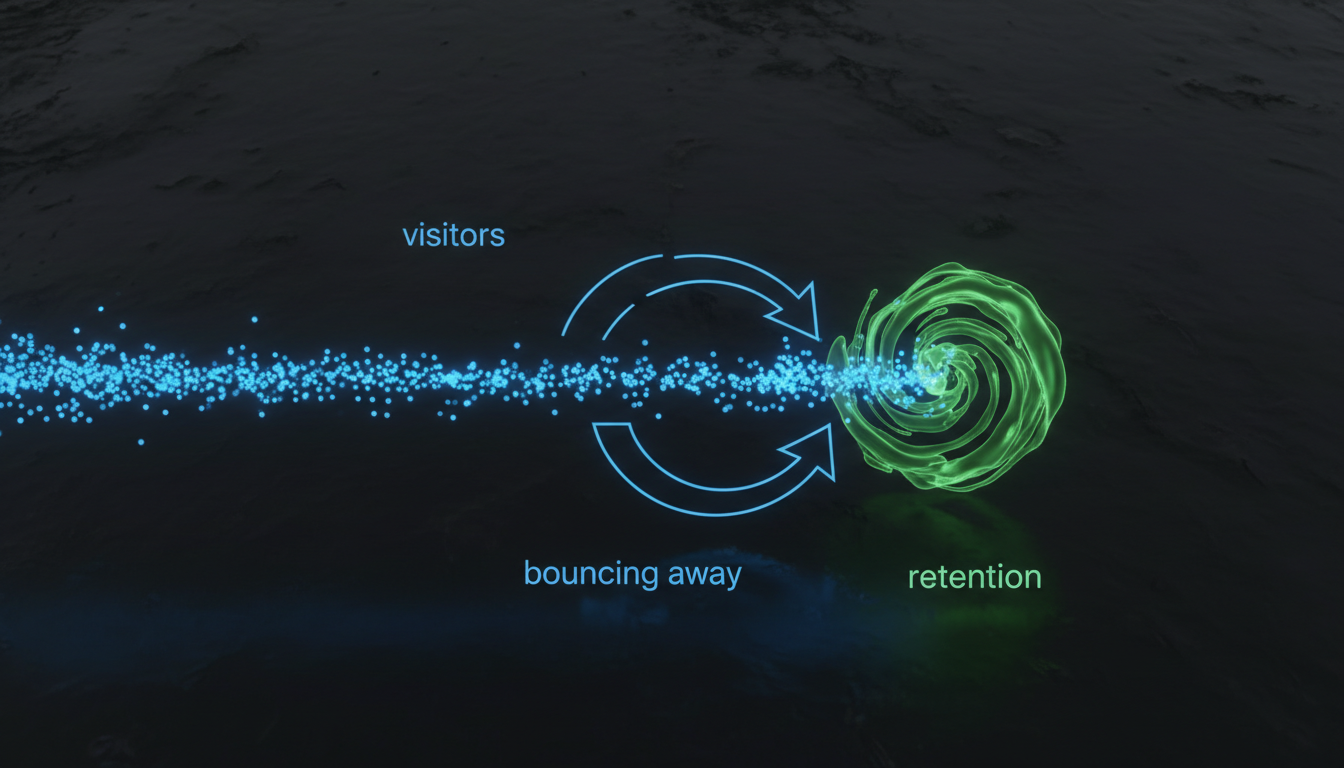
The relationship between page speed and conversion rate is not subtle. Google's own data shows that as mobile page load time goes from 1 second to 3 seconds, bounce probability increases by 32%. From 1 second to 5 seconds? Bounce probability increases by 90%.
And this isn't just about bounces. Visitors who do stay on slow pages convert at lower rates too. Pages loading in under 2 seconds convert at roughly 2x the rate of pages loading in 4-5 seconds. Every second matters.
For advertisers, the math is straightforward. If you spend $10,000/month on ads and your page takes 5 seconds to load on mobile, you're probably losing $2,500-$4,000 worth of potential conversions to speed alone. Fixing speed is often the highest-ROI change you can make.
2. How to Measure Mobile Speed
There are several tools for measuring page speed. Use at least two, because each measures slightly different things.
- Google PageSpeed Insights: The most commonly referenced tool. Gives you a score from 0-100 for mobile and desktop, plus specific recommendations. Aim for 60+ on mobile (though most Shopify stores score 30-50).
- Google Lighthouse (in Chrome DevTools): More detailed than PageSpeed Insights. Simulates a slow 4G connection, which is closer to real-world mobile conditions.
- WebPageTest.org: Lets you test from different locations and connection speeds. The "waterfall" view shows exactly what's loading and in what order, which helps identify specific bottlenecks.
- Real-world testing: Open your page on an actual phone using mobile data (not WiFi). Time it with a stopwatch. This is the test that matters most because it's what your visitors actually experience.
Don't obsess over the exact score number. What matters is the actual load experience on a real device. A page with a score of 45 that renders usable content in 2 seconds is better than a page with a score of 70 that shows a blank screen for 3 seconds before everything loads at once.

3. The Biggest Speed Killers on Shopify
Shopify's platform handles hosting and CDN well, so the speed problems are almost always on the store side. Here are the most common culprits, in order of impact:
Too many apps. The average Shopify store has 6-8 apps installed. Each one adds JavaScript that loads on every page. We've seen stores with 20+ apps where the combined app scripts added 3-4 seconds to load time. Every app you install has a speed cost, even if the cost is small individually.
Unoptimized images. Large product images (500KB-2MB each) are the single biggest payload on most Shopify pages. A hero image that's 1.5MB takes several seconds to download on a mobile connection.
Heavy themes. Some Shopify themes are bloated with features you don't use. Carousel sliders, animated elements, and built-in widgets all add code that loads regardless of whether you've enabled those features.
Third-party scripts. Chat widgets, pop-up tools, social media embeds, and tracking pixels all add external JavaScript that your page has to download and execute.
4. Image Optimization (The Quick Win)
Image optimization is the fastest speed improvement you can make because it requires no code changes and can often shave 1-3 seconds off load time.
- Use WebP format. Shopify automatically serves WebP to browsers that support it (which is most browsers now). But make sure your original uploads are already compressed.
- Resize before uploading. Don't upload a 4000x4000px image when it displays at 800px wide. Resize to 2x your display size (so 1600px for an 800px display area) for retina quality without excess weight.
- Keep hero images under 150KB. This is doable with proper compression. Use tools like TinyPNG, Squoosh, or ShortPixel.
- Lazy load below-the-fold images. Add loading="lazy" to images that aren't visible on initial page load. Shopify's newer themes do this automatically, but check your custom pages.
- Set explicit width and height. This prevents layout shift (CLS) where the page jumps around as images load. Visitors hate layout shift and it hurts your Core Web Vitals score.
5. Script and App Audit
Go to your Shopify admin, then Apps. Look at every installed app and ask: "Does this actively contribute to revenue?" If the answer is no, or "I'm not sure," uninstall it. Even apps that are disabled sometimes still load scripts.
For the apps you keep, check if they offer lazy loading or deferred loading options. Some review apps, for example, let you load their widget only when the visitor scrolls to the review section instead of on initial page load.
Third-party scripts (not from Shopify apps) are trickier. Chat widgets like Intercom or Drift can add 200-500ms to load time. Consider loading them only after the page is fully rendered, or only on specific pages where chat is actually useful.
6. Core Web Vitals That Matter for Ads
Google's Core Web Vitals are three metrics that measure user experience. They affect your Google Ads Quality Score, which influences your CPC and ad position.
- Largest Contentful Paint (LCP): How quickly the largest visible element loads. Target: under 2.5 seconds. This is usually your hero image, so image optimization directly impacts LCP.
- Cumulative Layout Shift (CLS): How much the page layout shifts while loading. Target: under 0.1. Caused by images without dimensions, dynamically injected content, and web fonts that load late.
- Interaction to Next Paint (INP): How quickly the page responds to user interactions. Target: under 200ms. Mainly affected by heavy JavaScript blocking the main thread.
LCP is the most impactful for paid traffic because it determines how quickly visitors see your content. If your LCP is over 4 seconds, many visitors have already left before they see anything meaningful.
7. CDN and Hosting Considerations
Shopify handles CDN (Content Delivery Network) automatically through Cloudflare, so your static assets are already served from edge locations worldwide. That's one of the advantages of the Shopify platform.
But third-party scripts and external resources (like Google Fonts, review widget scripts, or analytics tools) aren't on Shopify's CDN. Each external resource requires a separate DNS lookup and download, which adds latency.
Where possible:
- Self-host fonts instead of loading from Google Fonts (saves a DNS lookup and connection)
- Use fewer external tracking scripts, or consolidate them through Google Tag Manager
- Preconnect to required origins by adding
<link rel="preconnect">tags for your most-used external domains
8. Speed Monitoring and Maintenance
Speed isn't a one-time fix. Every time you install a new app, add products, or update your theme, speed can regress. Build a habit of checking speed monthly.
Set up a simple monitoring routine:
- Run PageSpeed Insights on your top 3 landing pages once per month
- Record the mobile scores in a spreadsheet
- After any app installation, re-test immediately to measure the impact
- Use Google Search Console's Core Web Vitals report to track trends over time
Speed improvements compound with other conversion fixes. Fix speed, then reduce bounce rate, then test page elements. Each improvement multiplies the impact of the others. For help prioritizing these fixes, see our CRO services or run a free PPC audit.
Frequently Asked Questions
Most Shopify stores score 30-50 on mobile PageSpeed. A score above 60 is good. Above 80 is excellent but rare for stores with multiple apps installed. Focus on keeping your Largest Contentful Paint under 2.5 seconds rather than chasing a perfect score.
Yes. Every Shopify app adds JavaScript that loads on your pages. The average app adds 50-200ms of load time. Stores with 15 or more apps often see 2-4 seconds of additional load time from app scripts alone. Only keep apps that actively contribute to revenue.
Yes. Google Ads uses landing page experience as one of three factors in Quality Score. Page speed, mobile-friendliness, and content relevance all contribute. A better landing page experience can lower your CPC and improve ad position.
Significantly. Pages loading in under 2 seconds convert at roughly double the rate of pages taking 5 or more seconds. Google data shows bounce probability increases 90% when load time goes from 1 to 5 seconds.
Find Out What's Costing You
COREPPC's free audit checks your Google Ads and Meta accounts in 60 seconds. Get your performance score, spot wasted spend, and see exactly where to improve.
Start Free Audit